

 See My Latest Article on HelloNation
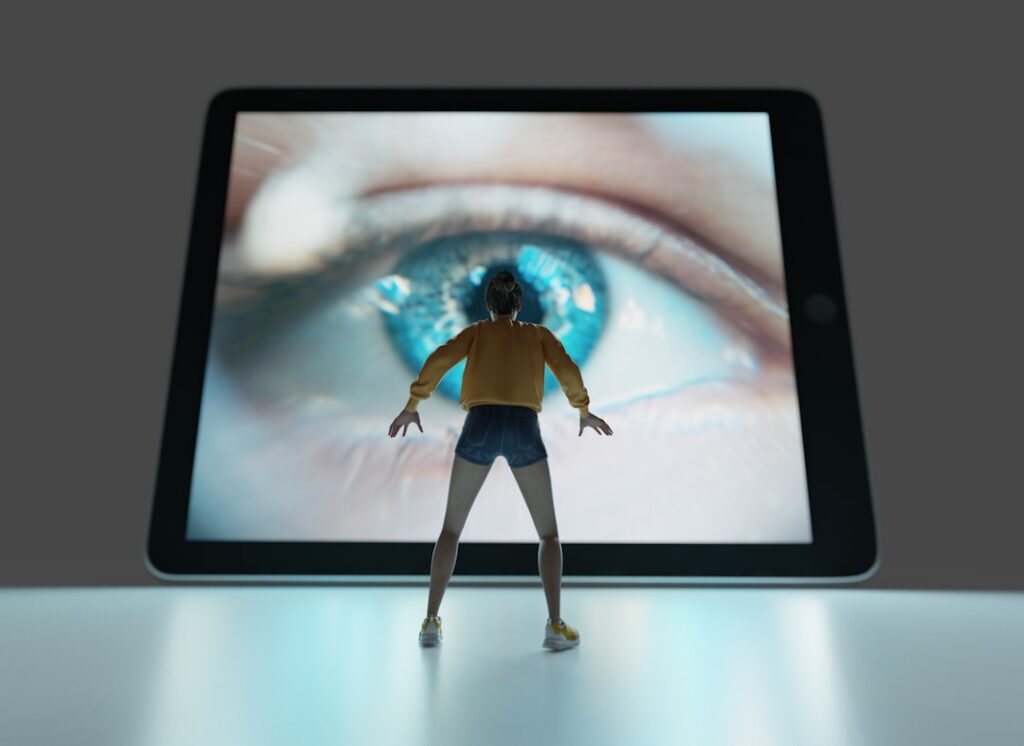
How Does Using Screens Affect Your Eyes?
Spending long hours in front of digital screens can lead to a group of symptoms called "digital eye strain" or "computer vision syndrome." This includes eye fatigue, dryness, blurred vision, headaches, and sometimes neck or shoulder pain. Area residents who use computers, tablets, or phones for school or work—especially during winter months when more time is spent indoors—may notice discomfort after extended use.
Digital screens make our eyes work harder by forcing them to focus and refocus, often while blinking less frequently than normal. This can dry out the eyes, making symptoms more noticeable, particularly for those in heated indoor environments common in Racine during colder months.
What Can Residents of Racine, WI Do to Prevent Eye Strain from Digital Screens?
To reduce discomfort from screens, it’s usually most effective to take regular breaks and adjust your environment. Simple changes can help prevent symptoms before they start:
- Follow the "20-20-20 rule": Every 20 minutes, look at something at least 20 feet away for at least 20 seconds.
- Keep screens slightly below eye level and about an arm’s length away.
- Sit in a position that allows good posture with feet on the floor and shoulders relaxed.
- Use artificial tears or lubricating eye drops if your eyes feel dry, especially during winter heating season when indoor air is dry.
- Adjust indoor lighting to minimize glare or reflections on screens.
Taking active steps to manage screen use can make a difference for most residents, whether working from home, attending online meetings, or simply reading news online during cold months.
Is Blue Light from Screens Dangerous for Your Eyes?
Most evidence suggests that blue light from screens does not cause permanent eye damage. Concerns about blue light often focus on discomfort and sleep disruption, rather than eye health itself.
Digital screens do emit blue light, and some people feel eye strain or have trouble falling asleep after evening screen use. For those who notice these issues:
- Reduce screen time at night, particularly an hour before bedtime.
- Use software or device settings to lower screen brightness or enable "night mode."
- If concerned about blue light exposure, blue light filtering glasses are available, but most experts agree that regular breaks and good lighting matter more.
For residents in Racine, adjustments to household lighting during darker winter months or using screens in naturally lit spaces during the day can also help minimize discomfort.
How Can Children and Teens in Racine be Protected?
Children and teenagers are increasingly exposed to digital screens for school and leisure. Prolonged use can lead to the same symptoms of eye strain seen in adults. Parents and caregivers can set a good example by encouraging regular breaks, especially during remote learning or after-school entertainment.
Outdoor activity is important for healthy eyes. When weather permits in Racine, spending time outside can give kids’ eyes a break from close-up screens and books. Try to provide opportunities for outdoor play, even on colder days when bundled up, as natural light and distance viewing supports better eye development.
Are Dry Eyes More Common with Screen Use During Racine Winters?
Yes, local households tend to use indoor heating when temperatures drop, lowering indoor humidity and making dry eyes from digital use more common. Staring at screens also reduces blink rate, compounding dryness.
To support eye comfort in the colder months:
- Consider using a humidifier in commonly used rooms.
- Practice conscious blinking when using screens; try fully closing the eyelids during blinks to help spread moisture.
- Drink adequate water, since general hydration affects eye surface moisture.
- Position screens so that you are not looking up, which can cause your eyes to open wider and dry out faster.

How Should Workstations Be Set Up to Reduce Eye Problems?
A comfortable, well-lit workstation lowers the risk of strain. The following details apply whether setting up a permanent home office near Lake Michigan or a temporary desk for virtual meetings:
- Place your screen at about eye level, about 20-28 inches from your face.
- Tilt the screen slightly downward to reduce glare from windows or lights.
- Adjust screen brightness to match the surrounding environment—not too bright or dim.
- Position lighting so it does not shine directly onto your screen.
- Reduce clutter behind the monitor to help your eyes refocus comfortably when you look away.
Many Racine residents find these adjustments easy and effective, especially when working or studying from home during the winter.
What Warning Signs Suggest a Possible Eye Health Issue?
If you experience symptoms that persist even after making these changes—such as severe discomfort, ongoing blurred vision, double vision, or headaches—it may be more than just digital eye strain. Some eye conditions can cause similar symptoms. Sudden vision changes or pain should never be ignored.
Common warning signs prompting further attention include:
- Eyes that remain red, irritated, or painful despite regular breaks
- Persistent blurred or double vision
- Headaches not relieved by simple adjustments
- Flashes of light, new floaters, or loss of vision
If these symptoms occur, area residents should consider reaching out to a qualified eye care professional for assessment to rule out underlying issues that need medical attention.